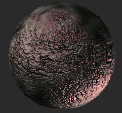
Asteroid
I took this tutorial from another, but i have develloped
it farther
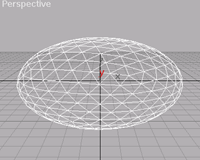
| 1. First you need a base object. Spheres, GeoSpheres, cyclinder, torus ,extrude object which has been latheds or conbverted NURBS are good for this. You should scale the object non uniformal. |
|
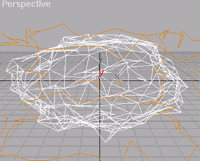
| 2. Next you apply a noise modificator. So the surface become more natural than the smooth one. You can also aplly the modificator Wave and Riple. Now the surface look good, but too sharpy |
|
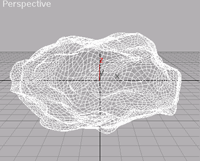
| 3. To make the asteroid more runder, use MeshSmooth. Put the iterartion maximal at two otherwise there will be too much polygons. |
|
| 4. If you want to use a lot of asteroid, you should optimize the mesh. |
|
| 5. Now apply UVW-Mapping and put the tilling on 2. | |
| 6. Now it's time to create the material for the asteroid. In material editor choose New and then the material sort Blend. One of the material most look like stone and other eg. like metal. Here there are no limitaion to your phatasie. To mix both material randomly to choose as a random map a Noise map. |
|
| 7. Now apply the material to the asteroid. |
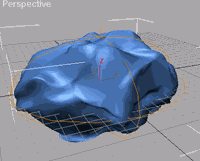
The finished asteroid:
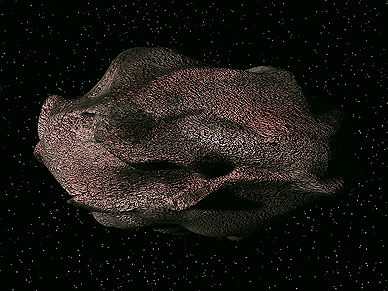
Asteroidfield
An asteroid rarely come alone, so you copy now a lot of diverse asteroid. Copy them, change the values and move them around. Apply to similar asteroid diverse material. Now you have an asteroidfield, but it looks very rigid. Press animate, enter a frame number, select all asteroid an rotate them. Now go to the track view. First put a relativ reptition to the rotaion of the asteroid. Now change the position and lenght of the animation bar, open condition, the bar must start or be over the zero point. Now close the track viewr. Now rotate all asteroid in different direction, so that don't rotate in the same layer.. Now you can animate the asteroid by moving them.